



Christmas is in... 46 days : 15 hours : 17 minutes
Download the Lake District Digital Advent Calendar!


Buy or Gift a Lake District Digital Advent Calendar
$9.99 (Volume Discount)
How many would you like?
Count Down to Christmas in the English Lake District
Let daily surprises, animated stories and 25+ games entertain and enchant you — all season for $9.99.
One App, 25+ Cozy Games
Play your way through the season with all-new challenges, festive favorites, puzzles and more.
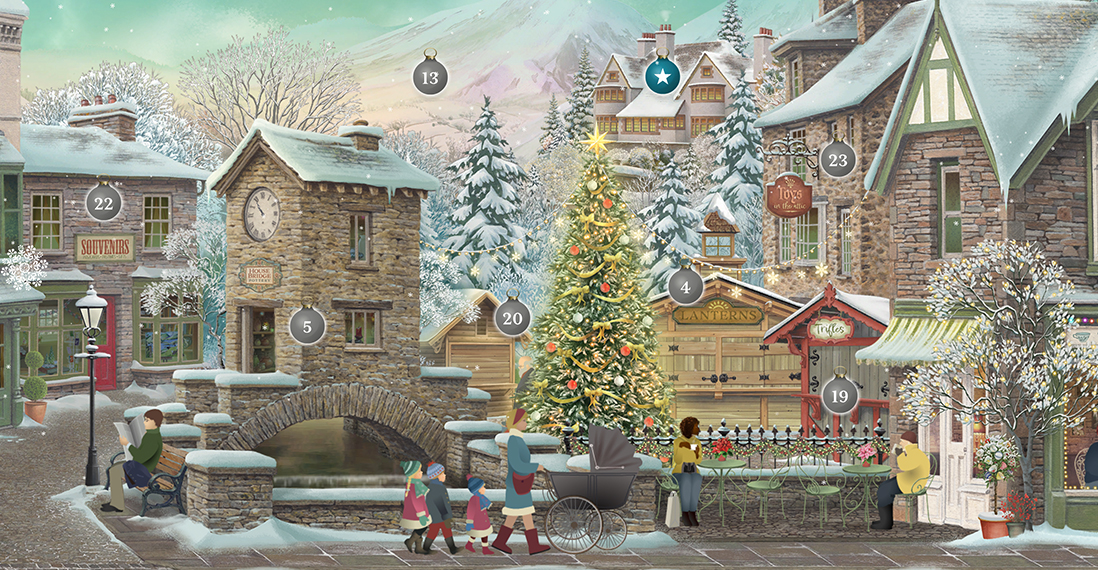
A Lake House to Call Your Own
Personalize your retreat with seasonal décor and stylish furnishings, then return each day to unwrap a new gift.

A Little More Magic Every Day
Return each day to watch the snowy Lake District come alive with changing skies, charming characters and hidden surprises.

-
One App, 25+ Cozy Games
Play your way through the season with all-new challenges, festive favorites, puzzles and more.
-
A Lake House to Call Your Own
Personalize your retreat with seasonal décor and stylish furnishings, then return each day to unwrap a new gift.
-
A Little More Magic Every Day
Return each day to watch the snowy Lake District come alive with changing skies, charming characters and hidden surprises.
More Ways to Play All Season
Settle in with fan favorites, festive puzzles and new challenges inspired by the Lake District.
-
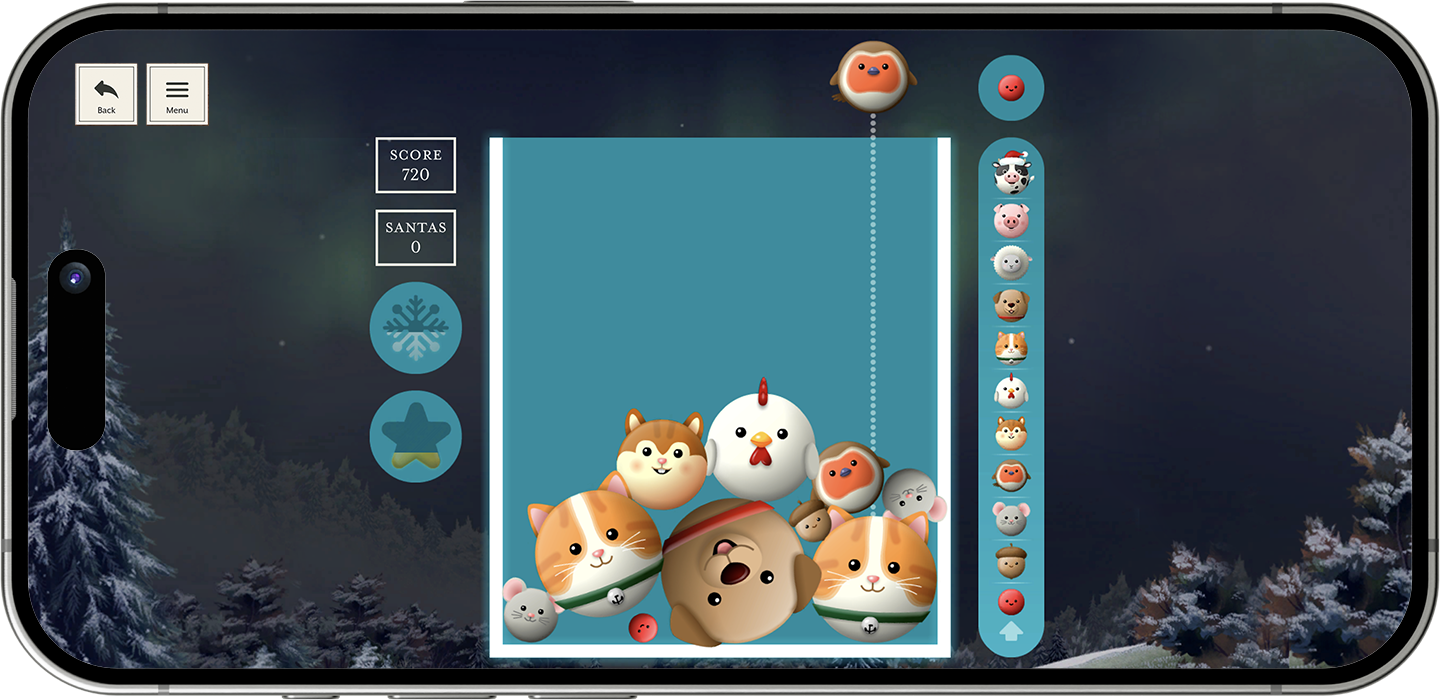
Santa Drop Game
Our most addictive holiday game is back!
-
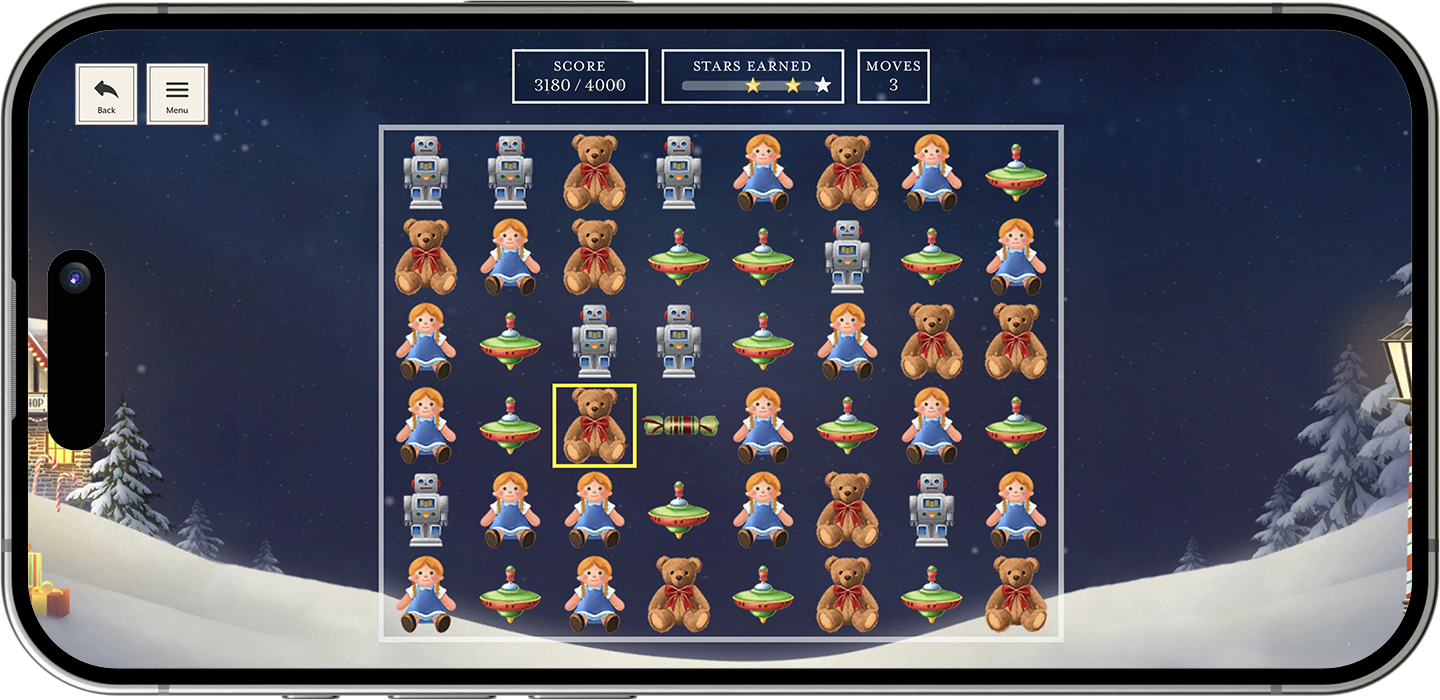
Match 3
Can you get to Level 20 this year?
-
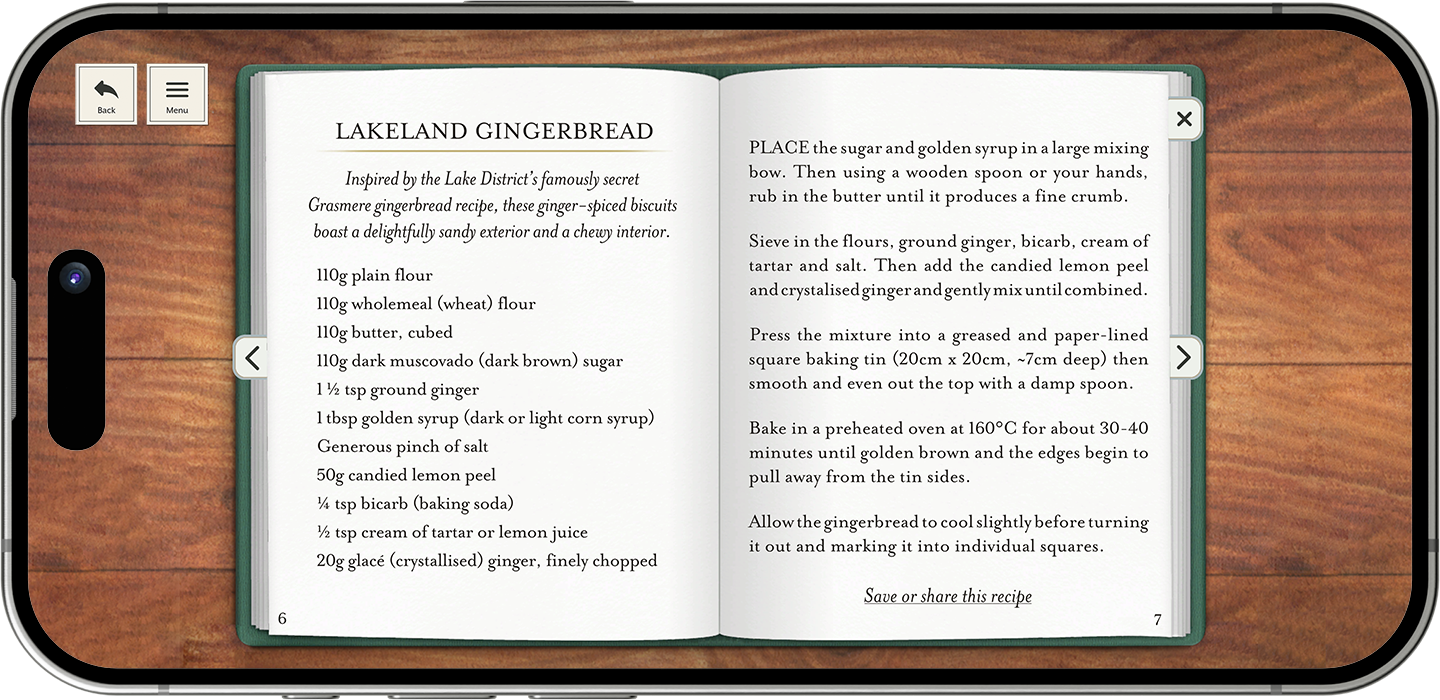
Recipe Book
Discover recipes for Lake District sweets.
-
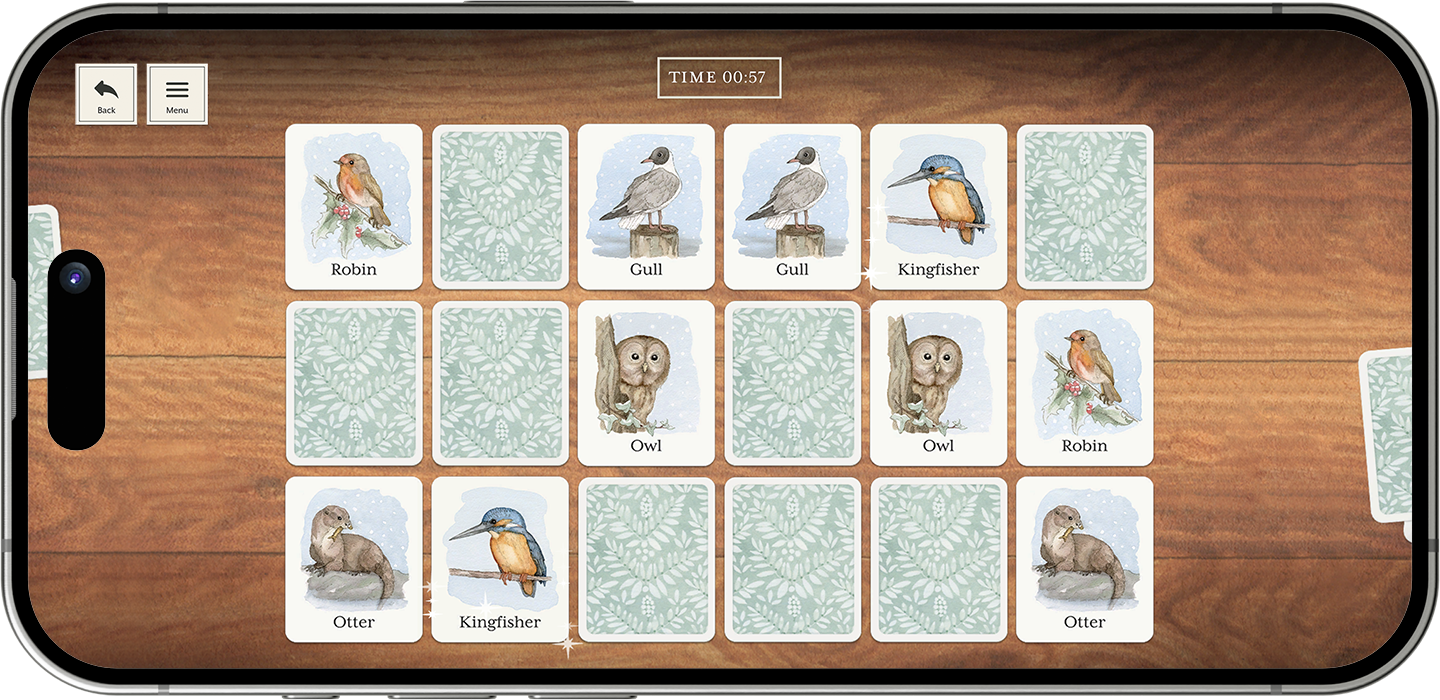
Memory Game
Find every festive pair before time runs out!

Give them 25 Days to Look Forward To
Send some Lake District fun their way! It’s affordable, easy to send by email and ready to open before Christmas.
Frequently Asked Questions
Whether you’ve purchased the Jacquie Lawson Advent Calendar for yourself or received it as a gift, the next step is activation. This step is essential, as it registers the Advent Calendar to your email address, confirming your entitlement to use the program.
Activation Steps:
1. If you’ve already purchased the calendar (or received one as a gift), click on the link in the email or visit the Advent Activation Page.
2. Enter the activation code that was emailed to you.
Important Notes:
You only need to activate the Advent Calendar once, regardless of how many devices you plan to install it on.
Activation links the code to your email address. Once activated, simply download the app on any device, log in with your email and password, and enjoy the Advent Calendar on all your devices without needing to reactivate it.
The technical requirements for the Jacquie Lawson Advent Calendar are:
Windows 10 (64-bit Home or Pro, Version 21H1 \u2013 build 19043 or newer) or Windows 11 (64-bit Home or Pro)
CPU
Intel 4th Gen chipsets and above
AMD ZEN and AM4 series chipsets
Graphics
Intel Integrated: HD Graphics 500 or newer
NVIDIA: GeForce 500 series or newer
AMD: Radeon 7000 series or newer
RAM: 4GB+ System Memory
Drivers: Hardware vendor officially supported drivers
Other versions of Windows 10 and 11 are not supported including 10S, 10RS, 11SE, non-standard installations of Windows 10 or 11, Windows Server.
MacOS (12+)
CPU:
i5 or i7 Intel Mac, or Apple Silicon are recommended
i3 Airs are a little under-powered causing performance issue
Graphics:
Metal capable Intel and AMD GPUs
RAM: 4GB+ System Memory
Drivers: Apple officially supported drivers.
Monitor aspect ratios
Most standard monitors with these aspect ratios are supported:
4:3
16:9
16:10
21:9
If your monitor has another aspect ratio the app will try to fit as closely as possible. Please use the Settings menu to adjust fullscreen resolution, and if fullscreen is not working please switch to windowed mode to accommodate your screen's aspect ratio.
Mobile
iOS (15.1+)
iPhone and iPad Compatible
Android (API Version 28+)
Android Phones and Tablets with Android 9.0 and above
At least 4-5GB free space for the installation process
As the Advent Calendars are very large and complex apps, lower powered devices may have problems running them.
Android Go is not supported.
To download and install the Jacquie Lawson Advent Calendar on your desktop, follow these steps:
Downloading:
Access the Download: Head to the Advent Activation Page to download the installation program for your desktop. You might receive warnings about downloading an executable file (".exe" for Windows), but don’t worry—if you’re downloading directly from our website, it’s completely safe.
Find the Downloaded File: Once the download is complete, locate the file. By default, it should be in your “Downloads” folder, unless you chose a specific location. The file will be named something like: "Lake-District-Advent-Calendar-2026-Installer-v1.0.0.exe"
Installing:
Run the Installer: Double-click the downloaded file to start the installation process. Depending on your security settings and antivirus software, you may see warnings, but these are normal.
Check the Publisher: Windows might prompt you to verify the file’s authenticity. Make sure the publisher is “Microcourt Limited”—this confirms you have the correct file. If this is the case, it’s safe to proceed with the installation.
Windows Defender Warning: If you're using Windows Defender, you may encounter a message like: "Windows protected your PC. Microsoft Defender SmartScreen prevented an unrecognized app from starting. Running this app might put your PC at risk." If you see this, click MORE INFO, then select RUN ANYWAY to proceed.
Security Settings: If Windows blocks the app for your protection, you may need to adjust your security settings to allow non-Windows Store apps. Check your Windows settings for instructions if needed.
Complete the Installation: Follow the on-screen prompts to install the program. You can leave all settings at their default values unless you want to customize the installation.
Once installed, you’re all set to enjoy the festive fun of the Jacquie Lawson Advent Calendar on your desktop!
To download and install the Jacquie Lawson Advent Calendar on your mobile device, follow these simple steps:
- 1. Go to the app store:
For iPhone or iPad, visit the Apple App Store.
For Android devices, visit the Google Play Store. - 2. Search:
In the store’s search bar, type "Jacquie Lawson Advent Calendar." - 3. Follow Installation Prompts:
Follow the prompts on your desktop to complete installation.
That’s it! After installation, simply open the app and log in with the account you used during activation to start enjoying the Advent Calendar on your mobile device.
The first time you open your Jacquie Lawson Advent Calendar, you’ll be prompted to log in. It’s important to use the same email address and password you used during activation. This ensures we can verify your purchase and provide you with full access to all the features.
Once you’re logged in, you’re all set to start enjoying the festive fun!
